
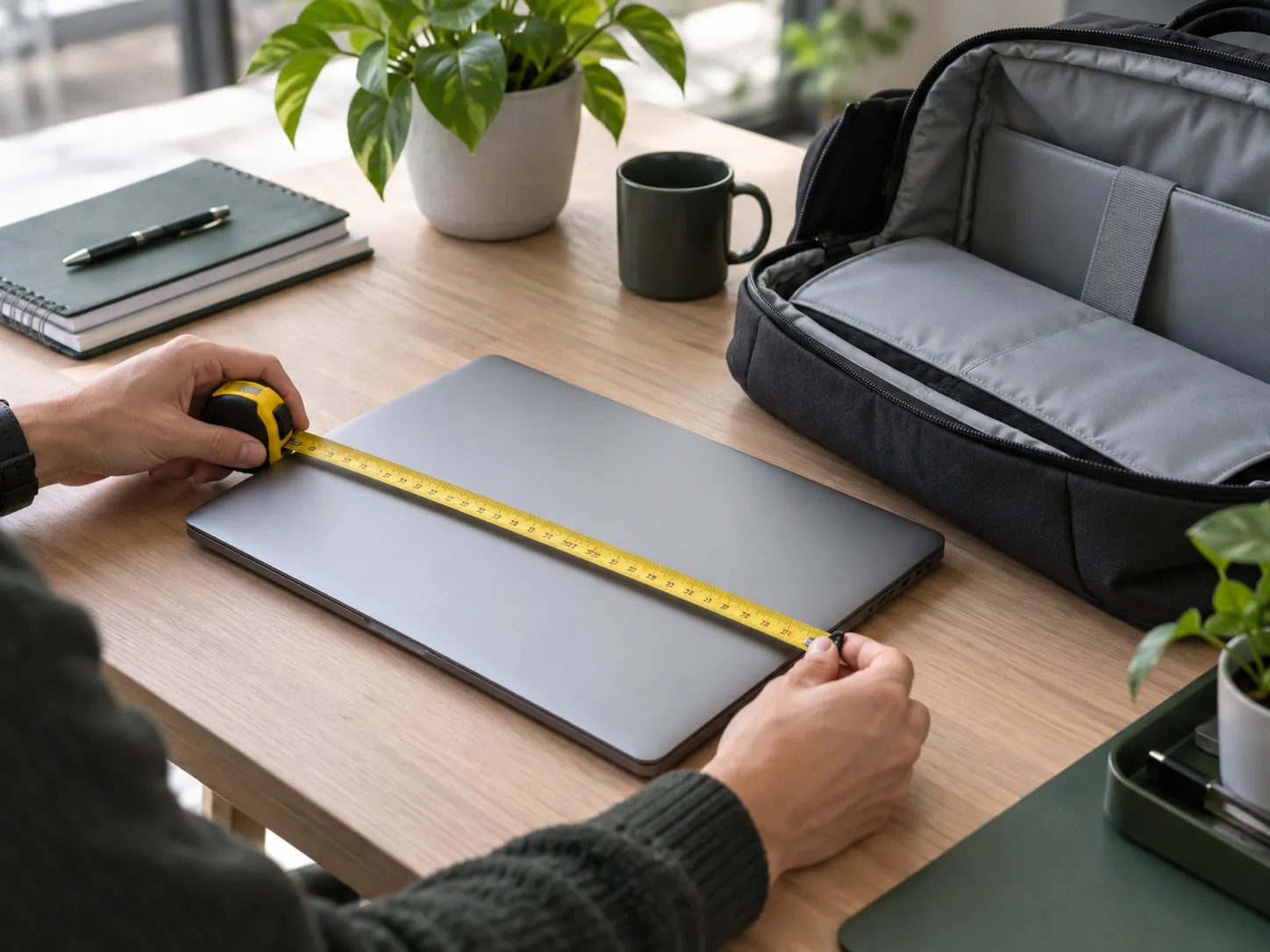
Choosing the right laptop bag starts with one simple step: measuring your laptop correctly.
To measure a laptop size for a bag, you should measure the closed laptop’s width, depth, and thickness — not just rely on the screen size. A “15-inch laptop” does not always fit a “15-inch laptop bag” because screen size only refers to the display diagonal, while the actual laptop body can be larger.
Whether you are buying a laptop bag for personal use or developing a new bag collection for your customers, understanding the correct measurements helps ensure better protection, comfort, and usability.
For brands looking to develop professional laptop bags, accurate compartment sizing is also an important part of product design. Working with an experienced laptop bag manufacturer helps ensure that different laptop models can fit properly inside the final product.
In this guide, you will learn how to measure your laptop accurately, how to compare your measurements with a laptop bag compartment, and how to choose the right bag size before making a purchase.
Quick Answer: How Do You Measure a Laptop Size for a Bag?
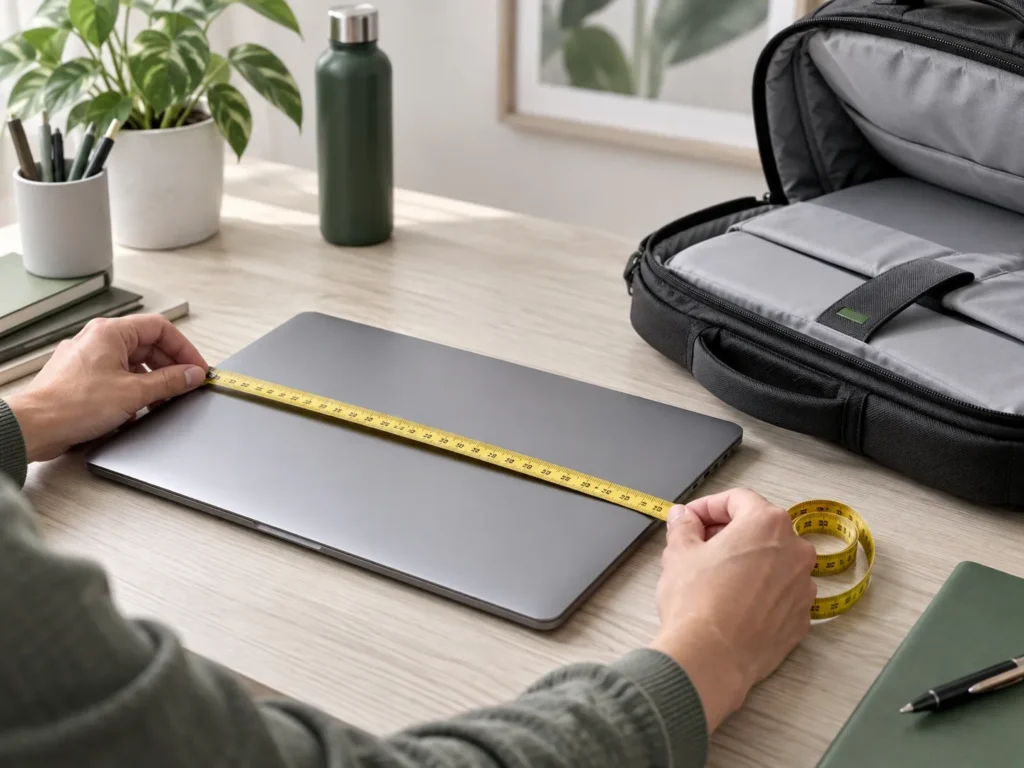
To measure a laptop for a bag:
- Close your laptop completely.
- Measure the width from left to right.
- Measure the depth from front to back.
- Measure the thickness from the table to the highest point.
- Compare these measurements with the bag’s internal laptop compartment size.
The laptop compartment should be slightly larger than your laptop to allow enough space for padding and easy access.
Why Laptop Screen Size Does Not Decide the Fit
When shopping for laptop bags, you will often see labels such as:
- 13-inch laptop bag
- 14-inch laptop bag
- 15.6-inch laptop backpack
- 16-inch laptop sleeve
However, these numbers describe the screen size, not the actual laptop dimensions.
Laptop screen size is measured diagonally from one corner of the visible display to the opposite corner. It does not include:
- The laptop bezel
- The keyboard base
- The hinge structure
- Rubber feet
- Protective covers
Two laptops with the same screen size can have completely different body dimensions.
For example, two 15.6-inch laptops may require different laptop compartments because one model may have a slim design while another may have a thicker business or gaming structure.
The best rule is simple: measure your closed laptop instead of trusting the screen size alone.
What You Need Before Measuring Your Laptop
You only need two simple tools:
- A flexible tape measure or ruler
- A flat surface
Before measuring, make sure your laptop is:
- Completely closed
- Removed from any protective sleeve
- Placed on a flat surface
Measuring an open laptop can create inaccurate results because laptop bags are designed to hold the complete closed device.
How to Measure Laptop Size for a Bag (3 Simple Steps)
Step 1: Measure Laptop Width
Place your closed laptop on a flat surface.
Measure from the left edge to the right edge across the widest point.
This is usually the longest side of your laptop and one of the most important measurements for choosing a laptop bag compartment.
Measurement tip:
Measure the laptop base rather than only the screen area because the bottom part of the laptop may extend further.
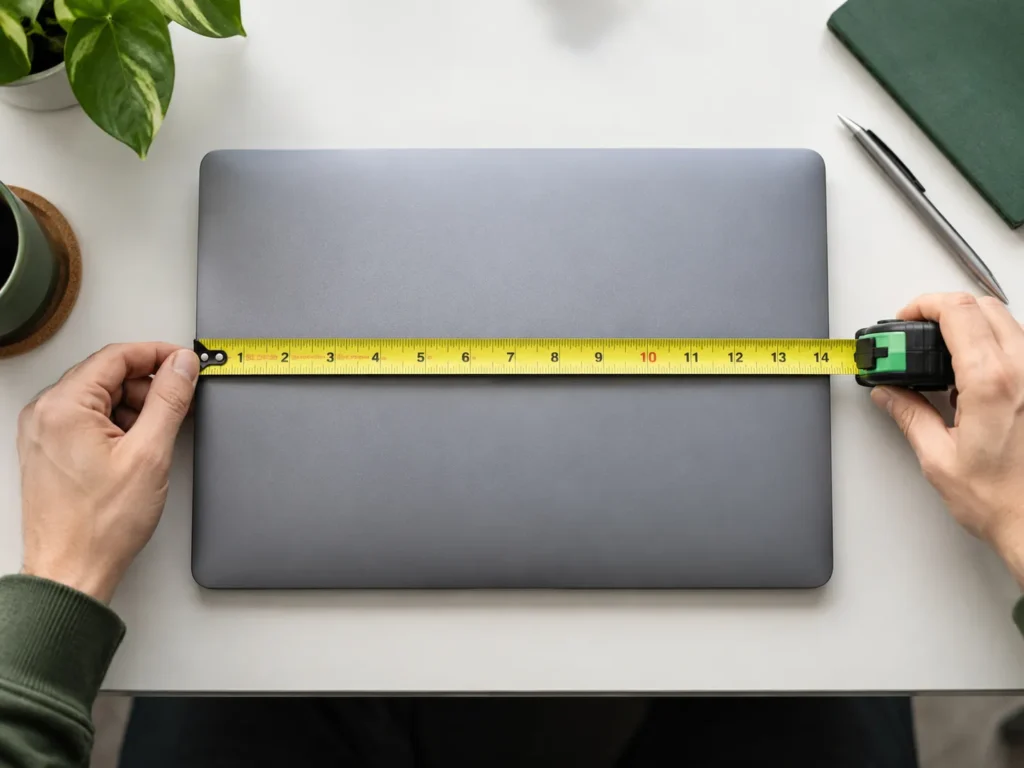
Step 2: Measure Laptop Depth
Next, measure the shorter side of your laptop.
Place the tape from:
- The front edge where the touchpad is located
- To the back hinge edge
Some manufacturers describe this measurement as “height,” which can create confusion.
For laptop bags, think of depth as the front-to-back measurement of the closed laptop.
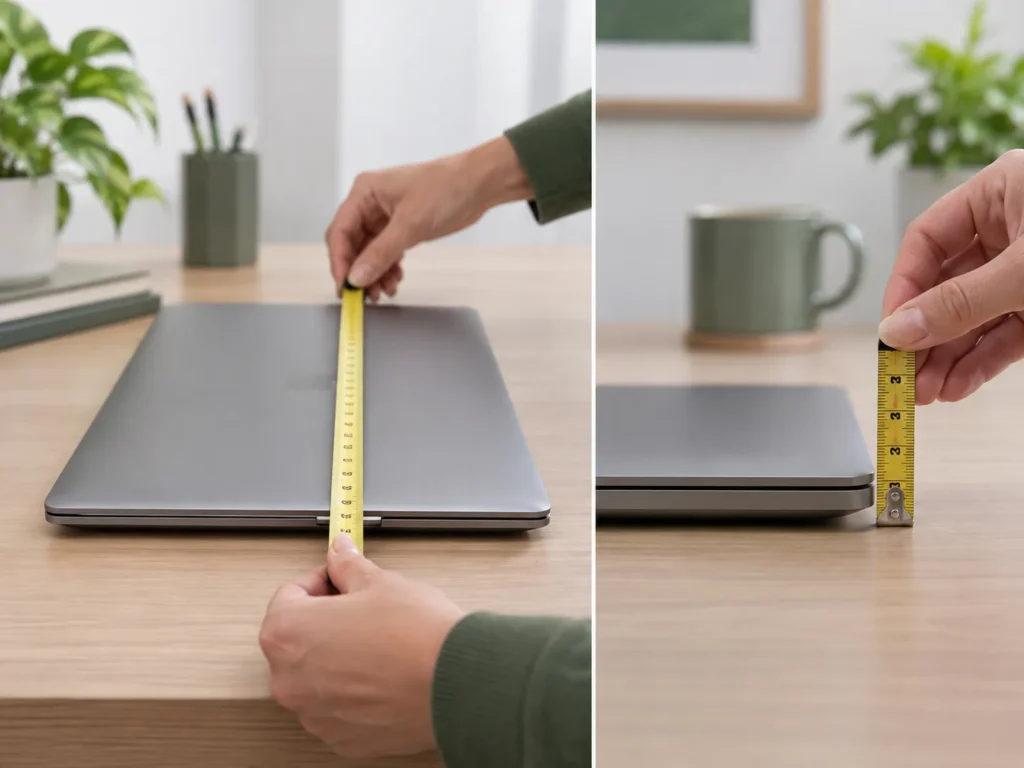
Step 3: Measure Laptop Thickness
Finally, measure how thick your laptop is.
Place your laptop flat on the table and measure:
- From the table surface
- To the highest point of the closed laptop
Remember to include:
- Rubber feet
- Raised hinges
- Protective cases
A thicker laptop may require a different compartment structure.
How to Match Your Laptop Size With a Laptop Bag
After measuring your laptop, do not compare it with the outside dimensions of the bag.
A laptop bag has two different measurements:
1. Exterior Bag Size
This includes:
- Fabric
- Handles
- Outer pockets
- Padding
- Storage space
The exterior size does not tell you whether your laptop will fit.
2. Internal Laptop Compartment Size
This is the measurement that matters.
Look for product descriptions such as:
- Fits up to 15-inch laptop
- Padded laptop compartment
- Internal laptop sleeve dimensions
Your laptop should fit comfortably inside the compartment without forcing it.
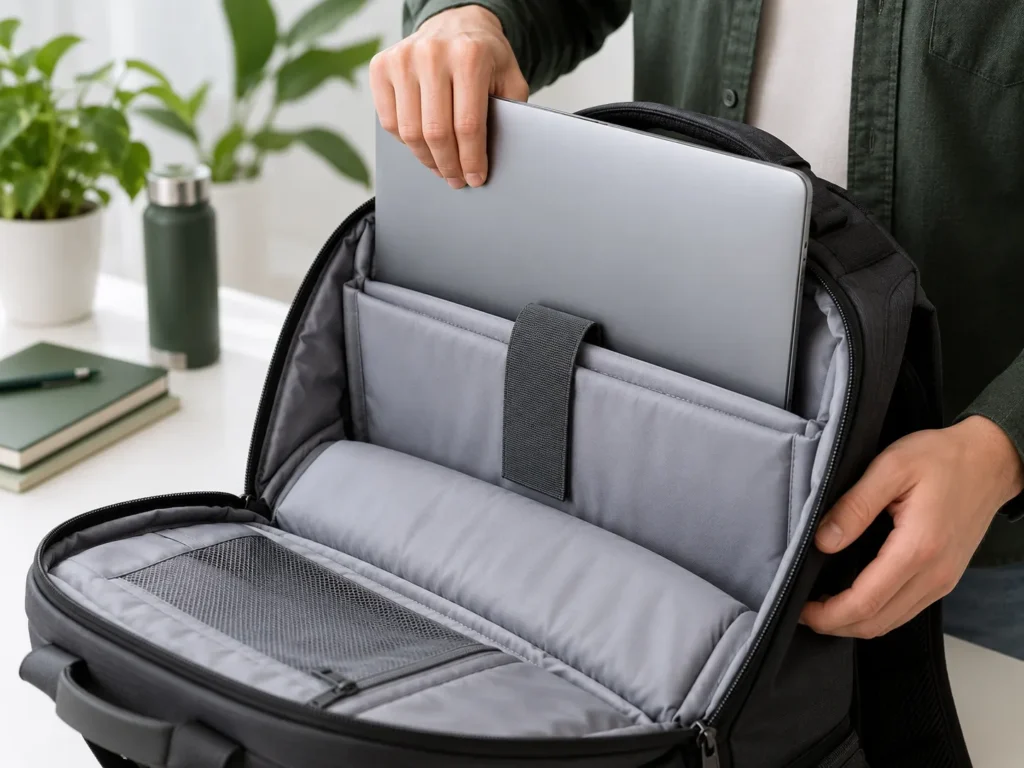
Professional bag manufacturers design laptop compartments based on different device sizes, usage scenarios, and protection requirements.
For example, a business laptop backpack may require stronger padding and dedicated laptop protection compared with a lightweight everyday bag.
Working with an experienced laptop backpack manufacturer can help brands create better fitting products with optimized compartment structures.
Laptop Size Reference Chart for Bag Selection
The following chart provides general guidance. Actual laptop dimensions vary between models, so measuring your own device is always recommended.
| Laptop Screen Size | Approximate Laptop Width | Approximate Laptop Depth | Recommended Bag Compartment |
|---|---|---|---|
| 11–12 inch | 10.5–11.5 inch | 7.5–8.5 inch | 12–13.5 inch compartment |
| 13 inch | 11.5–12.5 inch | 8–9 inch | 13–14.5 inch compartment |
| 14 inch | 12.5–13.6 inch | 8.5–9.5 inch | 14–15.5 inch compartment |
| 15.6 inch | 14–15.2 inch | 9.5–10.5 inch | 15.5–16.5 inch compartment |
| 16 inch | 14.5–15.8 inch | 10–11 inch | 16–17 inch compartment |
Different users may need different laptop bag structures, from professional office bags to travel-focused carrying solutions.
For brands developing laptop bags for business users, commuters, and professionals, compartment design and overall usability are critical factors. A reliable laptop backpack manufacturer can help create products with optimized protection, organization, and carrying comfort.
How Much Extra Space Should a Laptop Bag Have?
A good laptop compartment should feel:
Secure but not too tight.
The ideal clearance is usually:
- Around 0.5–1 inch (1–2 cm) extra space in width and depth
This allows:
- Padding protection
- Easier insertion and removal
- Protection against pressure on corners
- Room for small size variations
If the compartment is too small:
- The laptop may be difficult to insert
- Corners may press against the bag structure
- Zippers and seams may create pressure points
If the compartment is too large:
- The laptop may move around
- Protection becomes less effective
- Impact forces may transfer more easily
The goal is a compartment that holds the laptop securely while still allowing smooth access.
Common Laptop Bag Sizing Mistakes to Avoid
1. Buying Based Only on Screen Size
A 15-inch label does not guarantee a perfect fit.
Always check actual laptop dimensions.
2. Ignoring Laptop Thickness
Some laptops are thicker because of:
- Larger batteries
- Cooling systems
- Protective cases
3. Measuring the Laptop Sleeve Instead of the Laptop
Always measure the actual laptop body.
4. Comparing Laptop Size With Exterior Bag Dimensions
Only the internal laptop compartment determines the fit.
5. Choosing a Bag That Is Too Large
Extra space does not always mean better protection.
Frequently Asked Questions About Laptop Bag Size
What size laptop bag do I need for my laptop?
You should choose a laptop bag based on your laptop’s actual width, depth, and thickness rather than only the screen size.
Should I measure my laptop open or closed for a bag?
Always measure your laptop when it is closed. Laptop bags are designed to hold the complete closed device.
Will a 15.6-inch laptop fit in a 15-inch laptop bag?
It depends on the actual laptop dimensions and the internal compartment size. Some slim 15.6-inch laptops may fit, but others may require a larger compartment.
How much bigger should a laptop compartment be?
A laptop compartment should usually have about 0.5–1 inch of extra space to provide comfortable fitting and protection.
Can laptop bags be customized for different laptop sizes?
Yes. Professional manufacturers can customize laptop compartment sizes, padding structures, materials, and internal layouts according to different laptop models.
Need Custom Laptop Bag Production?
For brands, wholesalers, and retailers, laptop bag sizing is not only about fitting a device — it is also about creating a reliable product experience.
Tamador is an experienced custom laptop bag manufacturer in Guangzhou, China, providing OEM and ODM solutions for global bag brands.
Our services include:
- Custom laptop compartment design
- Laptop backpack development
- Material and structure customization
- Prototypenentwicklung
- Qualitätsprüfung
- Private label production
Whether you need business laptop bags, travel laptop bags, or custom laptop backpacks, Tamador can help transform your ideas into production-ready products.